


A solar panel monitoring app in Charleston, SC tracks your system’s real-time energy output, compares it against expected production, and sends an alert the moment performance drops, often before you’d ever notice a change in your utility bill. Paired with a local installer who actually checks those alerts, monitoring turns your solar investment from a “set it and forget it” purchase into a system someone is actively watching.
Key Takeaways
- Real-time visibility: Most monitoring apps show production in kilowatts down to the individual panel or string level, updated every 5-15 minutes.
- Early alerts save money: A 10-15% output dip from shading, a failed inverter, or storm debris can go unnoticed for months without monitoring, quietly costing hundreds of dollars in lost savings.
- Local response matters: A Charleston-based installer who monitors your account directly can often diagnose a fault remotely and schedule a technician before you even call.
- Coastal conditions add wear: Salt air, humidity, and heavy tree cover around Charleston make performance monitoring more valuable here than in drier inland climates.
- Monitoring supports warranty claims: Logged performance data gives you proof when filing a claim for equipment that’s underperforming its manufacturer specs.
At a Glance: Solar Monitoring Basics
| Feature | What It Does | Typical Update Frequency |
|---|---|---|
| Real-time production tracking | Shows current kW output from your system | Every 5-15 minutes |
| Historical energy logs | Daily, monthly, and lifetime totals | Updated daily |
| Per-panel monitoring | Flags a single underperforming panel or string | Continuous |
| Automated fault alerts | Notifies homeowner and/or installer of a drop | Real-time push notification |
| Battery state of charge | Tracks stored energy for backup-equipped systems | Continuous |
| Bill offset estimate | Compares production against expected usage | Monthly |
| Installer support response | Time to first contact after an alert | Varies by company, ask before signing |
1. What a Solar Panel Monitoring App Actually Tracks
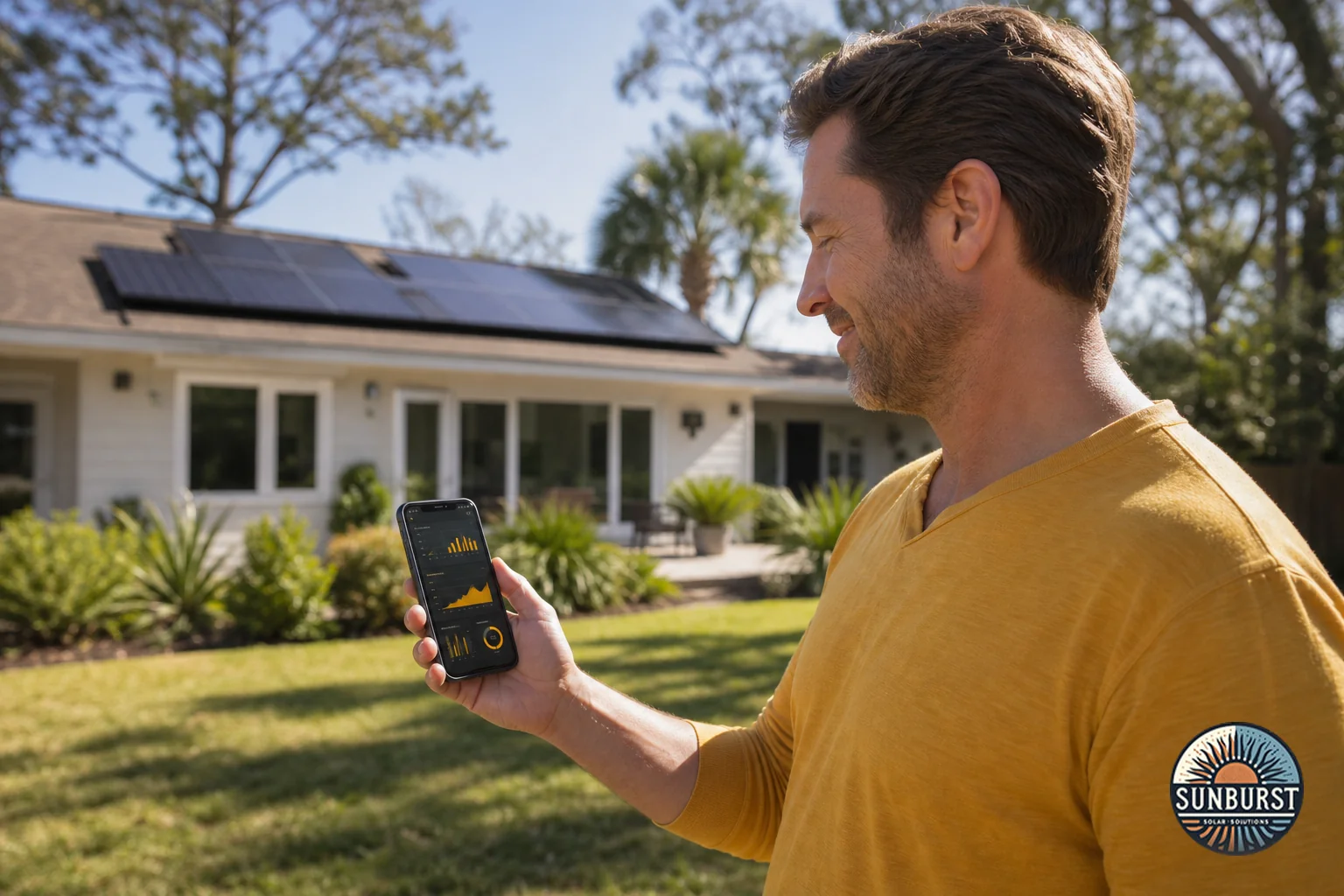
Every modern residential solar install ties into an app or web portal that pulls data straight from your inverter. At the most basic level, it shows how many kilowatts your system is generating right now, plus how that compares to a typical day for your array size and the current weather.
Beyond the headline number, a good monitoring setup breaks production down several ways. You’ll usually see:
- Daily, monthly, and lifetime totals so you can spot seasonal patterns and confirm your system is meeting the production estimate from your original proposal.
- Per-panel or per-string data, which matters because a single shaded or faulty panel can drag down a whole string’s output while the rest of the system looks fine on a summary screen.
- Weather correlation, useful in a place like Charleston where afternoon thunderstorms roll in most summer days and can explain a temporary dip that isn’t actually a problem.
- Battery state of charge, if your system includes storage, showing how much backup power you have on hand heading into a storm.
- Estimated bill offset, a rough comparison of what you generated against what your household used, which helps you understand your Santee Cooper or Dominion Energy bill before it arrives.
None of this replaces a conversation with your installer, but it gives you a baseline. If you’re still comparing quotes and want to understand how this fits into the bigger picture, read our breakdown of what a full installation includes before you sign anything.
2. How Issues Get Flagged Before You Notice a Bill Spike
Here’s where monitoring earns its keep. Solar systems don’t usually fail all at once. They degrade quietly: a connector loosens, a panel gets shaded by a fast-growing oak branch, or an inverter starts throwing intermittent faults months before it fully quits. Without monitoring, the first sign is often a higher-than-expected bill two months later, and by then you’ve already lost that savings.
A monitoring platform compares your actual output against an expected production curve built from your system’s size, orientation, and local weather data. When actual output falls outside a set threshold, usually somewhere around 10-15% below expected, it triggers an alert. Depending on how your installer has things configured, that alert goes to you, to their support team, or both.
Common causes behind a flagged alert in the Charleston area include:
- Shading from live oaks, palmettos, or new construction next door
- Pollen and dust buildup during the spring bloom, which is heavier here than in many other regions
- Salt air and humidity accelerating wear on connectors and seals near the coast
- Storm debris after a tropical system, even a minor one
- A tripped breaker or inverter fault that resets on its own but leaves a gap in the data
Most of these can be diagnosed remotely just by looking at the data pattern. A full outage looks different from a slow decline, and a slow decline on one string usually points to shading or dirt rather than equipment failure. That remote diagnosis is what determines whether your installer needs to send a truck out at all, or can just walk you through a five-minute fix over the phone.
3. Setting Up and Using Your Monitoring App After Installation
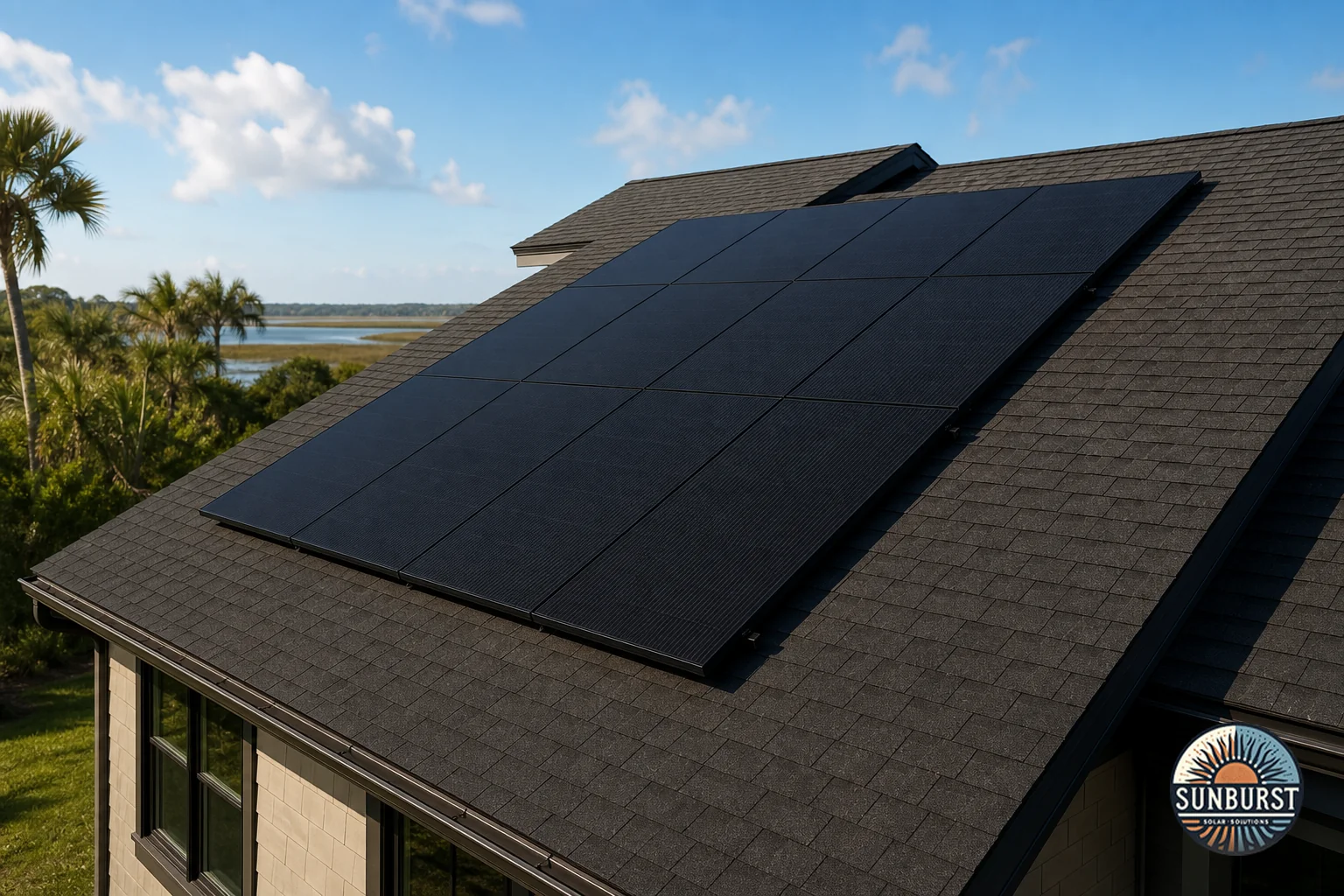
Your monitoring app gets activated as part of system commissioning, the final step before your installer flips the system on and it starts feeding power to your home. During this step, a technician links the inverter’s communication module to your home wifi, sets up your account, and confirms live data is flowing before they leave.
A few practical notes for new solar owners in the Charleston area:
- Wifi stability matters. If your router is far from your electrical panel or attic, ask about a signal extender during installation rather than after the fact.
- Download the app before install day so your technician can walk you through the login and dashboard on the spot.
- Check it monthly, not daily. Daily swings are normal and mostly weather-driven. What matters is the monthly trend compared to the same month last year, once you’ve had the system for a full seasonal cycle.
- Note your interconnection approval date. If you’re still waiting on Santee Cooper’s permission to operate, your app may show test data that doesn’t reflect real production yet.
If you’re weighing whether ongoing monitoring and support is easier through a local installer versus a large national brand’s call center, it’s worth reading through how local and national solar installers in Charleston compare on this exact point.
4. What Ongoing Support Looks Like From a Local Charleston Installer
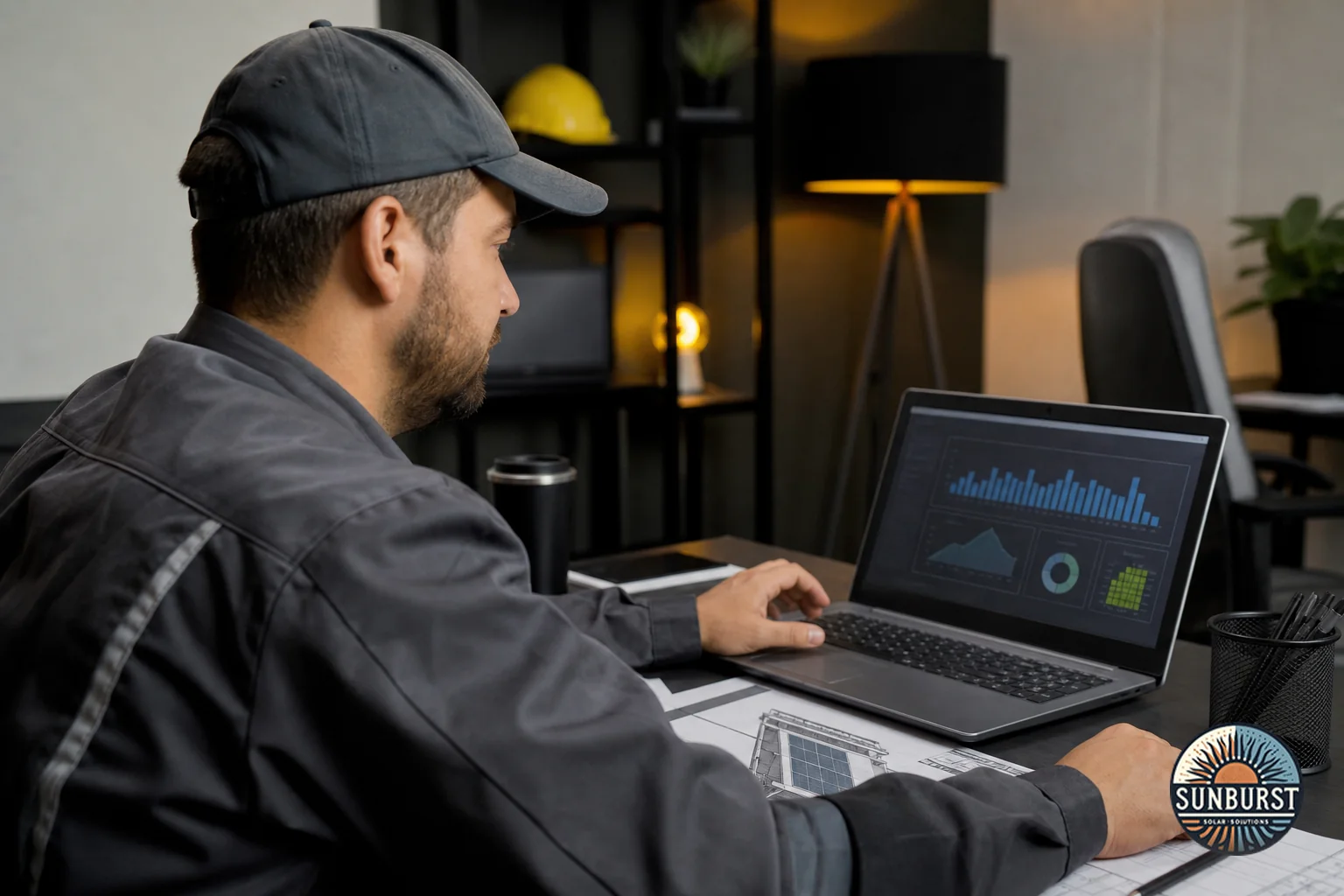
Here’s the part homeowners often overlook when comparing solar companies: the app is only half the equation. The other half is whether anyone on the installer’s side is actually watching it too.
Sunburst Solar Solutions monitors customer systems proactively as part of ongoing maintenance, which means an alert doesn’t just sit in your phone’s notification tray waiting for you to notice it. When a system’s output drops below its expected range, our team reviews the data, rules out weather-related causes, and reaches out directly if something needs attention, sometimes before the homeowner has even opened the app that week.
That’s a meaningful difference from manufacturer-only monitoring, where the app tells you something’s wrong but there’s no one specifically responsible for following up. It’s worth asking any installer you’re considering exactly how they handle this. A few good questions:
- Does someone on your team actively review alerts, or is monitoring purely self-service through the app?
- What’s your average response time once an issue is flagged?
- Is remote diagnostics included, or is every visit billed separately?
- Who handles the truck roll if a physical repair is needed, your company or a third-party subcontractor?
These are the same kinds of questions we cover in more depth in what to ask before signing a solar contract, since ongoing support terms are often buried in the fine print rather than pitched during the sales conversation.
Being based in the Charleston area also shapes how fast a physical fix happens. After a named storm or a strong nor’easter, national installers dispatching from out of state can take weeks to get a technician on a local roof. A regional team already working across South Carolina can usually prioritize storm-related service calls within days.
5. Why Monitoring Protects Your Investment Long-Term
Solar panels are built to last 25 years or more, but “built to last” doesn’t mean “guaranteed to perform without anyone checking.” A slow, unnoticed 10-15% output decline over two or three years adds up to real money, often more than the cost of a service call would have been if caught early.
Monitoring data also becomes your paper trail if you ever need to file a warranty claim. Instead of guessing that a panel “seems weaker,” you can show a manufacturer or your installer months of logged underperformance tied to a specific panel serial number. If you’re still learning how equipment, workmanship, and production warranties differ, our guide to comparing solar warranty coverage breaks down exactly what each one is supposed to protect.
For homes with battery storage, monitoring extends to tracking the battery’s state of health over time, not just its charge level on a given day. That data matters if you’re relying on the battery for backup power. If you’re deciding between a battery and a standalone generator for storm season, see our comparison on solar battery versus generator backup options.
Finally, a well-documented performance history can matter at resale. Buyers and their agents increasingly ask for production records, and a clean monitoring log is a straightforward way to show a system has performed as promised since day one.
Common Questions Charleston Homeowners Ask About Solar Monitoring
Is solar monitoring included, or is it an extra cost?
Monitoring hardware and app access are typically bundled into your original installation, since the inverter needs a communication module to function properly regardless. Ask specifically whether ongoing human review of your alerts is included in your maintenance plan or billed separately.
What happens if my home wifi goes down?
Your solar system keeps producing power normally, since generation doesn’t depend on internet access. You’ll just lose live data reporting until wifi is restored, and most apps will backfill historical data once the connection comes back.
Can I monitor a battery through the same app?
Yes, if your battery and inverter are from compatible or integrated manufacturers, both typically show up in a single dashboard, tracking charge level, discharge rate, and backup readiness alongside your solar production.
Does monitoring data help with Santee Cooper interconnection reporting?
Some utilities request production verification as part of net metering true-ups. Having accurate, continuous monitoring data on hand makes that process faster and helps confirm your system is billing correctly under South Carolina’s interconnection rules.
How do I find solar system installers near me who actually offer this kind of support?
Ask directly whether monitoring alerts are reviewed by a person, what the response time looks like, and whether that support is included after your initial warranty period. Companies that hesitate to answer specifically are worth a second look, a pattern we cover further in how to choose a solar installer and the red flags to avoid.
Get Ongoing Support You Can Actually Reach
A solar panel monitoring app is only as useful as the people watching it. If you’re comparing quotes and want to know exactly how a local Charleston-based team handles alerts, response times, and long-term performance checks, that’s a conversation worth having before you sign anything. Get a free assessment from Sunburst Solar Solutions and ask us directly how our monitoring and support process works for a system sized to your home.